Open Settings → Users.
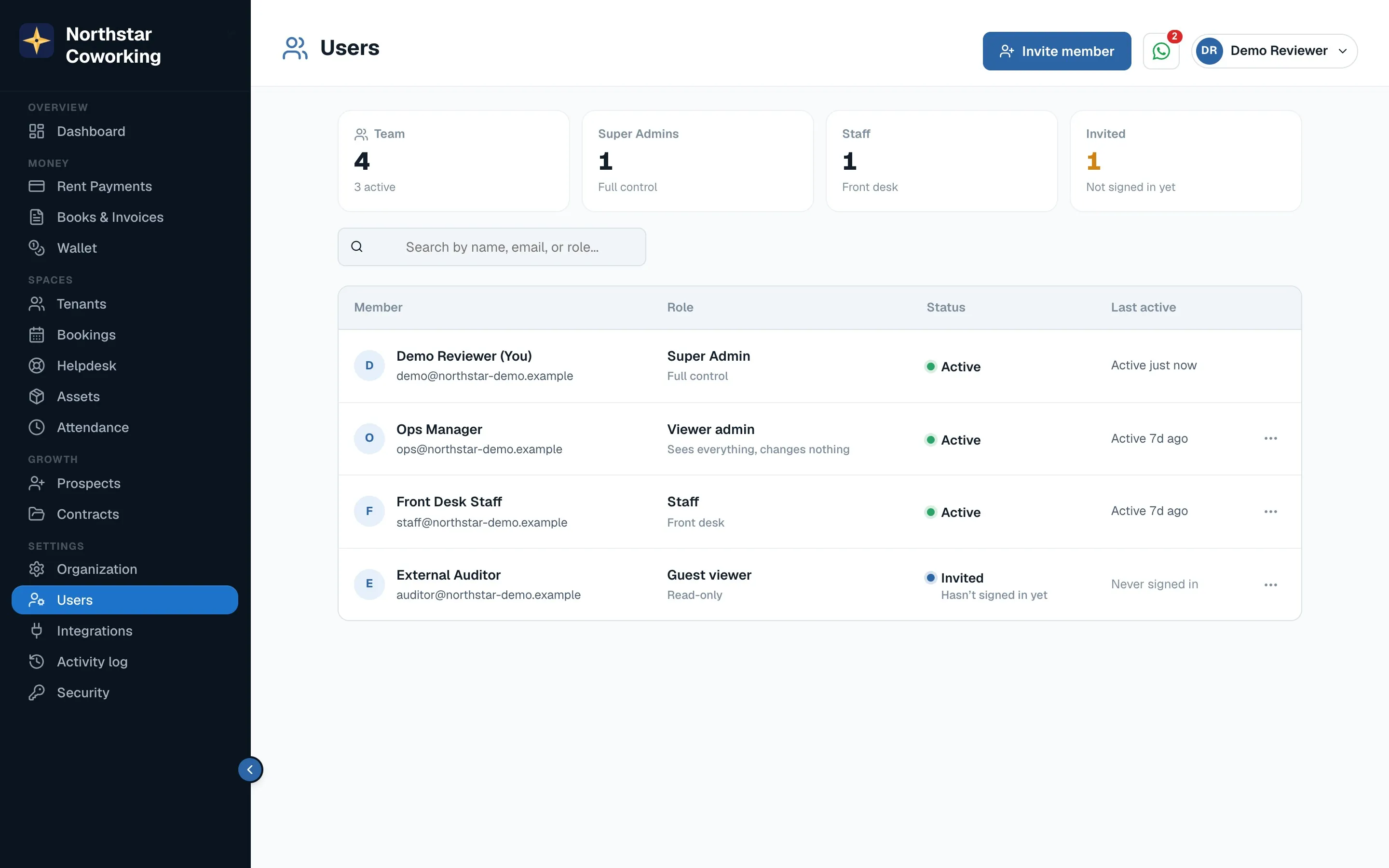
- Click Invite a team member.
- Enter their name and email and pick a role (below).
- They get an email with a link. They choose a password and are in. On a phone they can add the app to their Home Screen.
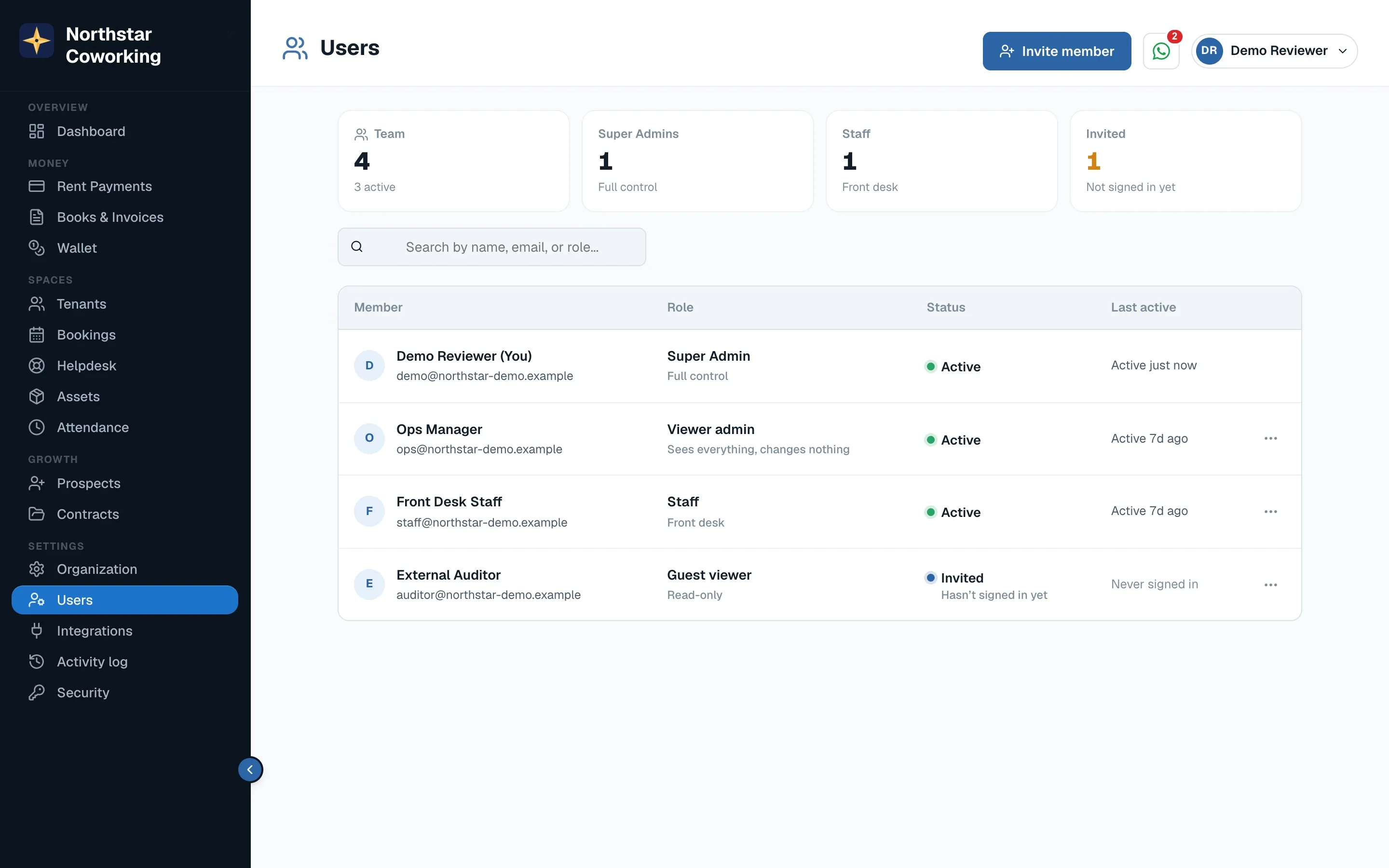
Roles
- Super Admin: everything, including settings, bank accounts, integrations, contracts and the team. Keep at least one.
- Viewer admin: sees everything, changes nothing. Good for an accountant or a partner.
- Staff: the front desk: tenants, payments, bookings, helpdesk, wallet. No contracts, no settings.
- Guest viewer: read-only, for a short-term look.
Change a role or remove someone from the same page. The last Super Admin cannot be removed.
Related guides
Still stuck? WhatsApp us or write to info@coworkingos.in. Tell us the tenant or screen and we'll sort it with you.