Open Books & Invoices. The tabs are Invoices, Receipts, Statements, Other income, Expenses and Profit & loss.
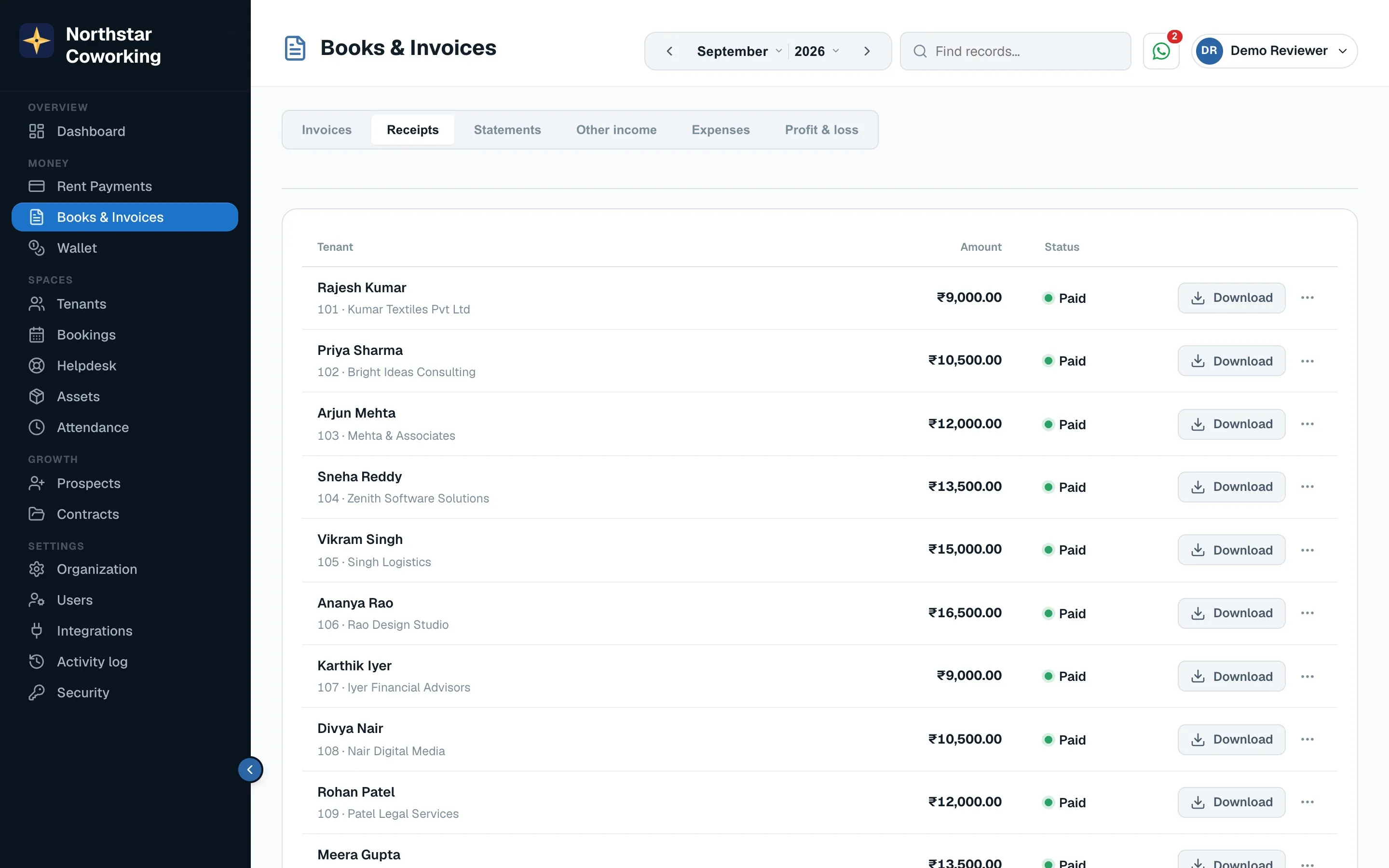
- Invoices: every rent invoice by month, with its status. Click one to view, download or resend.
- Receipts: created automatically when a payment is recorded or paid online. Resend from the row.
- Statements: a tenant's full ledger for a period: invoices, payments, deposit and balance. Useful at renewal or move-out.
- Other income: ad-hoc invoices for things outside rent, like a one-time parking charge.
Tenants see the same invoices and receipts in their portal under Bills, so you rarely need to send copies by hand.
Related guides
Still stuck? WhatsApp us or write to info@coworkingos.in. Tell us the tenant or screen and we'll sort it with you.