Open Books & Invoices → Profit & loss.
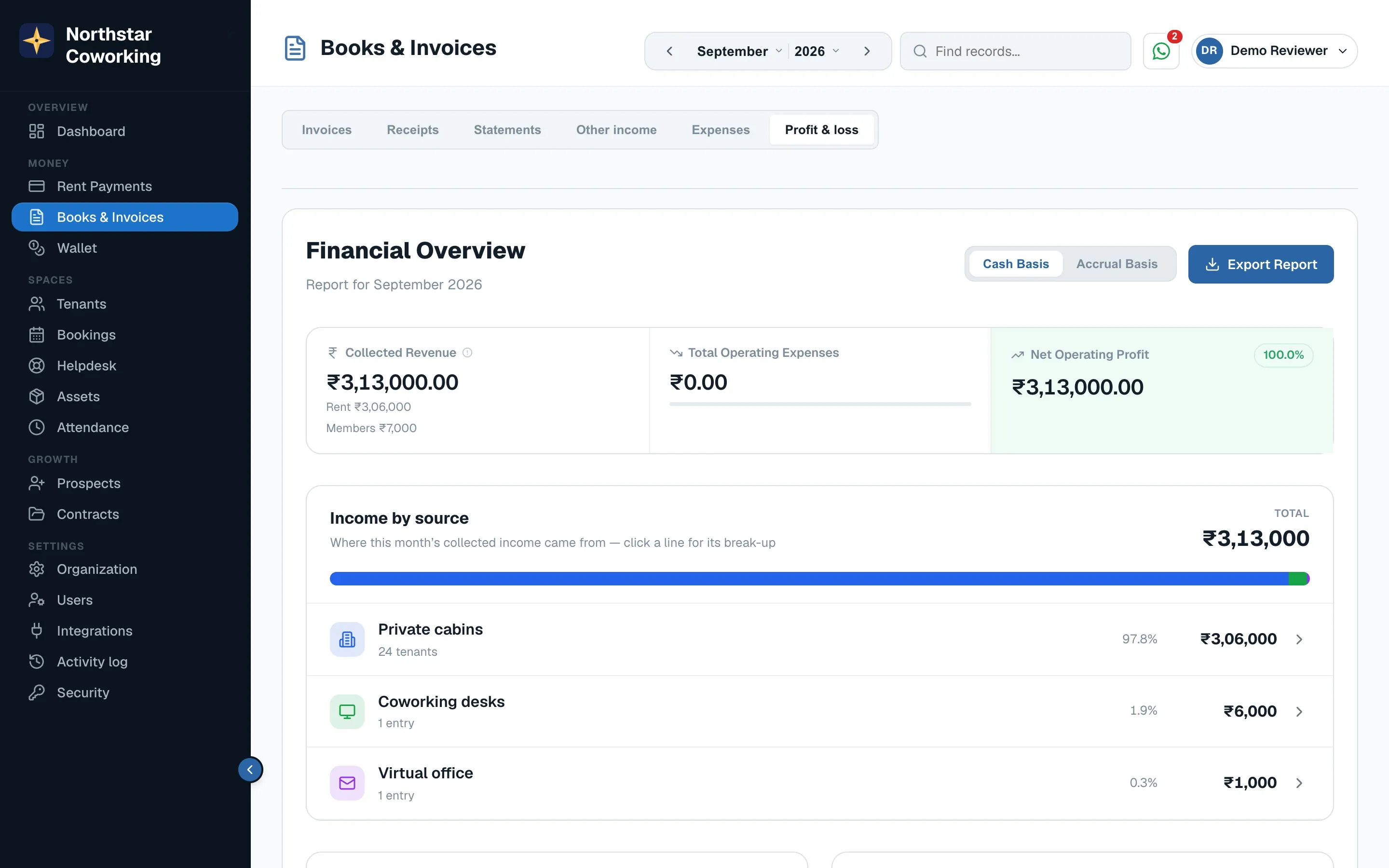
- Cash basis counts money actually received in the month; Accrual basis counts what was invoiced. Switch at the top right.
- Income by source splits cabins, desks, virtual offices, bookings and wallet.
- Export report downloads the month as a spreadsheet for your accountant.
Everything you own
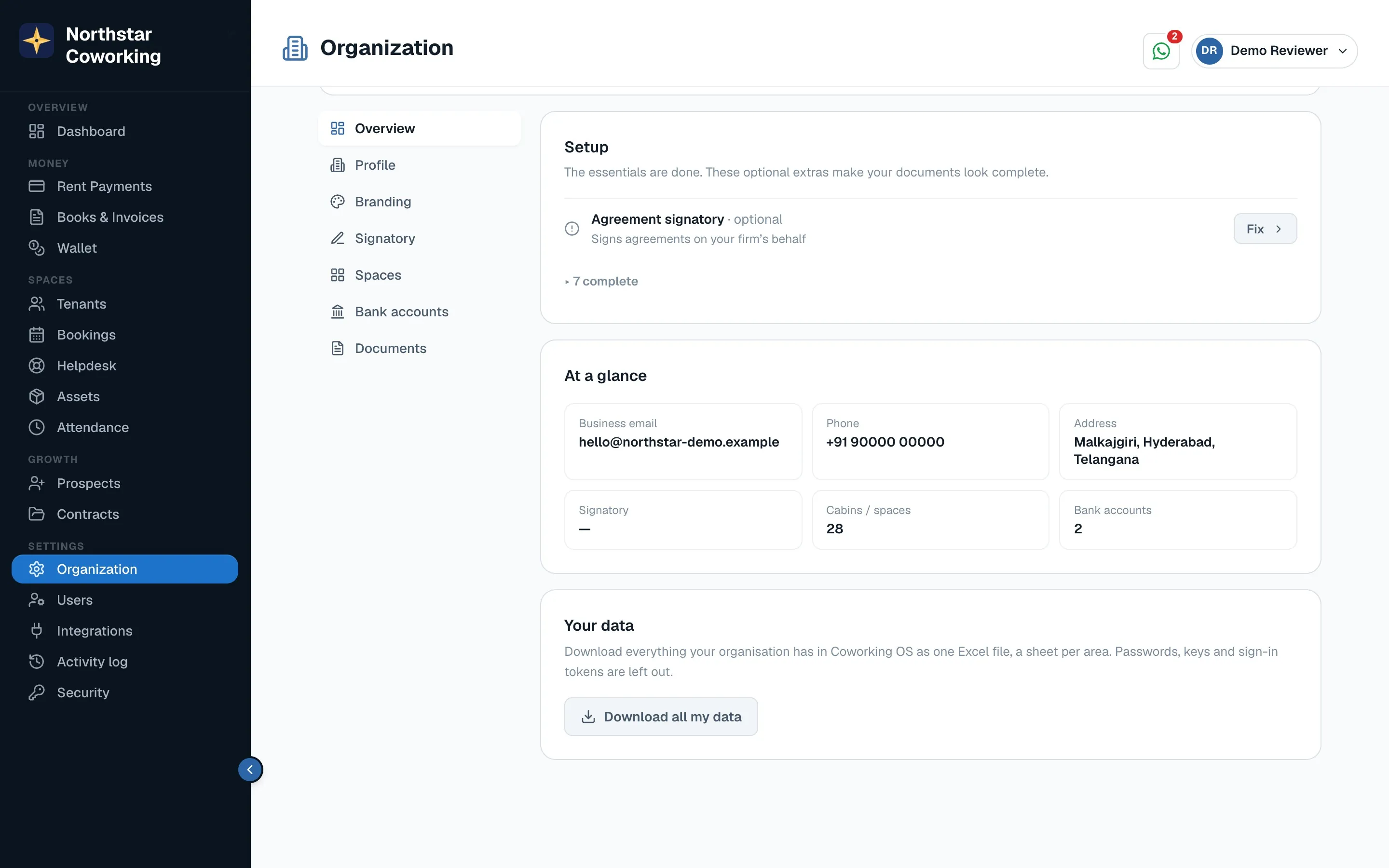
Settings → Organization → Your data → Download all my data gives every tenant, invoice, payment and ticket as spreadsheets. Your data is yours; take a copy any time.
Related guides
Still stuck? WhatsApp us or write to info@coworkingos.in. Tell us the tenant or screen and we'll sort it with you.