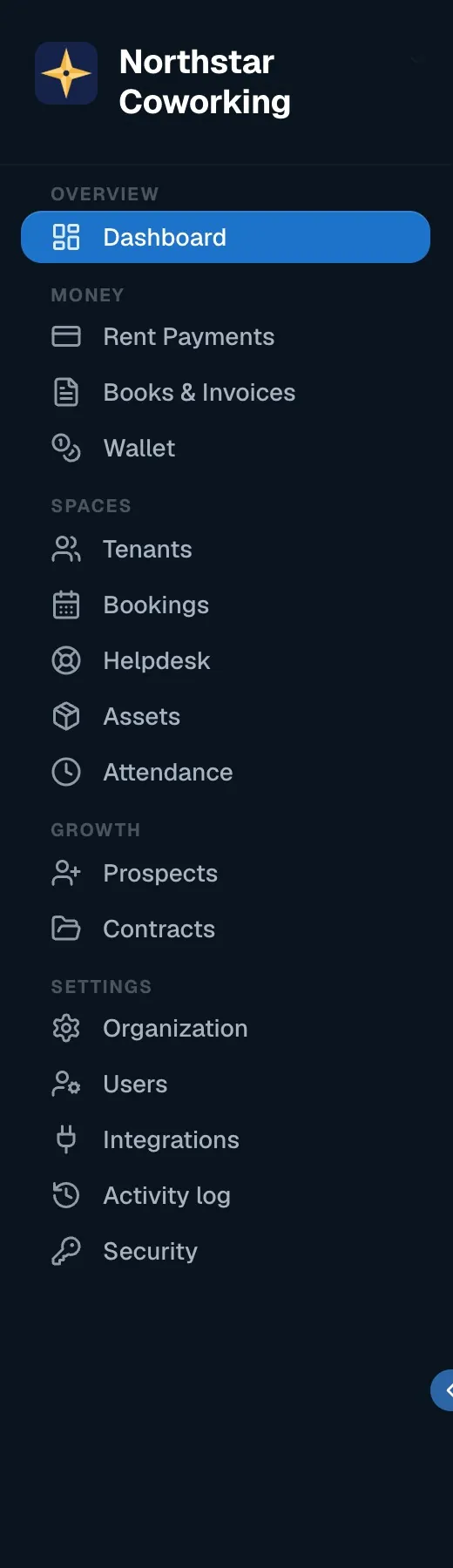
Coworking OS runs a coworking or managed-office space end to end: rent and invoices, meeting rooms and desks, enquiries to signed agreements, helpdesk, wallet credits, books and a portal for your members. Everything works from the same record of each tenant, cabin and rupee.
Who uses what
- Owner / Super Admin: settings, bank accounts, cabins, team, integrations, books and P&L.
- Staff: the day-to-day: tenants, rent payments, bookings, helpdesk, wallet orders. Staff cannot change settings or contracts.
- Members (tenants): their own portal on the phone: pay rent, book a room, raise a request, download their agreement and receipts.
Where to start
- Add your cabins and spaces and a bank account in Settings. Invoices need both.
- Add tenants, one by one or from an Excel sheet.
- Connect your WhatsApp Business number and a payment gateway in Integrations, so invoices go out with a Pay Now link.
- Invite your team with the right roles.
- Send the month's invoices from Rent Payments. From then on, the app does the chasing.
Prefer a guided set-up? Book a demo and we'll do the first import with you.
Related guides
Set up your cabins, desks and bank account →Connect WhatsApp, email and a payment gateway →Invite your team and choose roles →Send the month's rent invoices →Add a tenant →
Still stuck? WhatsApp us or write to info@coworkingos.in. Tell us the tenant or screen and we'll sort it with you.