Open Prospects and click Send Proposal on the lead, or go to Contracts → Proposals.
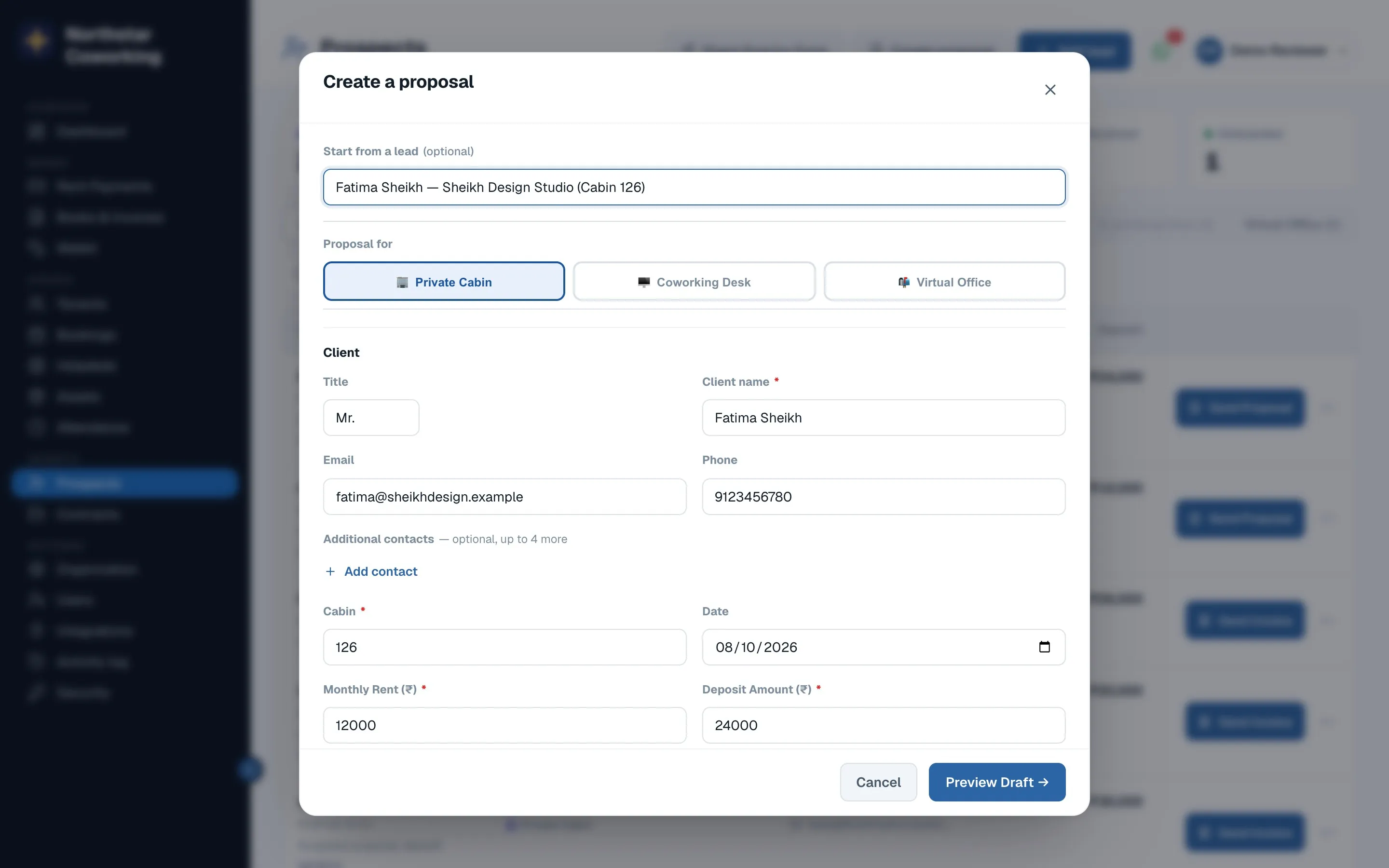
- Pick the space type and cabin, the monthly rent, deposit and start date.
- Check the client's name, email and phone; they appear on the proposal.
- Preview the draft, then send. It goes as a PDF on WhatsApp and email with an Accept link.
- When they accept, the lead moves to Proposal accepted and the agreement draft is created for you.
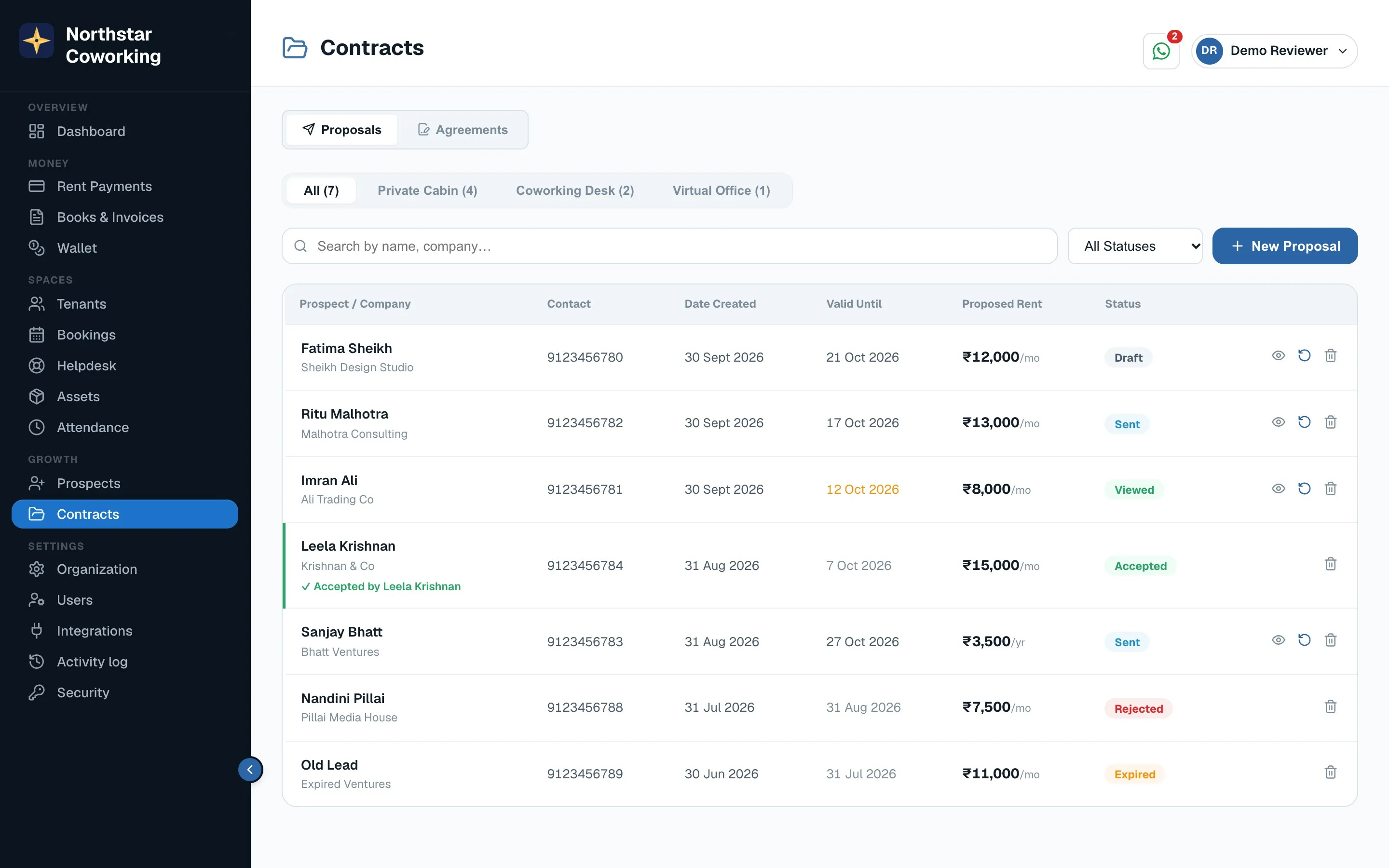
A proposal can be edited and resent until it is accepted. Older versions are kept.
Related guides
Still stuck? WhatsApp us or write to info@coworkingos.in. Tell us the tenant or screen and we'll sort it with you.