Open Books & Invoices → Expenses.
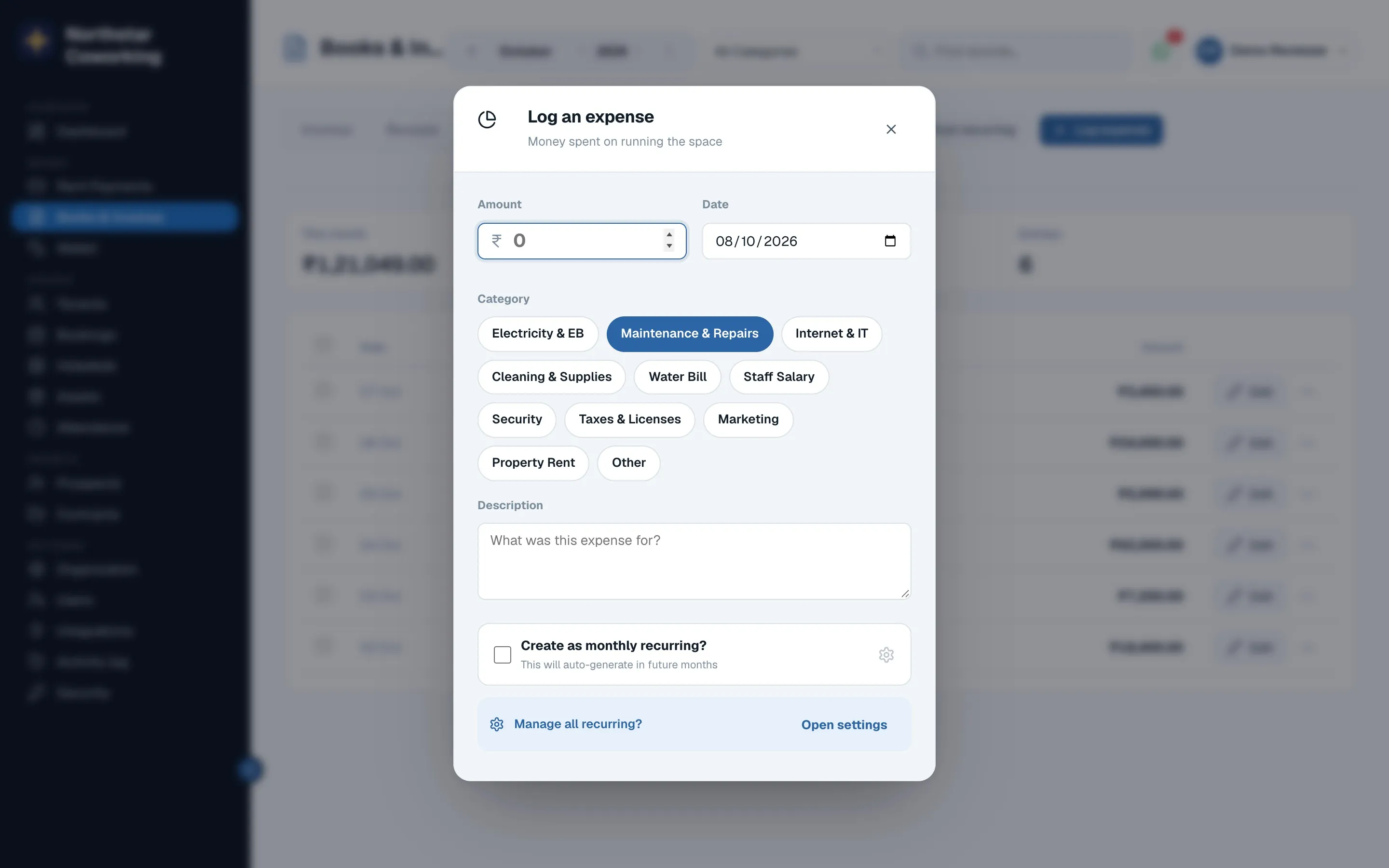
- Click Log expense.
- Pick a category, enter the amount, date and who it was paid to; attach the bill photo if you like.
- Tick monthly recurring for costs that repeat (rent to your landlord, internet). Next month, Post recurring posts them all in one go.
- Save. The P&L updates in the same moment.
Servicing costs recorded under Assets appear here by themselves; don't enter them twice.
Related guides
Still stuck? WhatsApp us or write to info@coworkingos.in. Tell us the tenant or screen and we'll sort it with you.