Open Attendance. First, set where staff can check in.
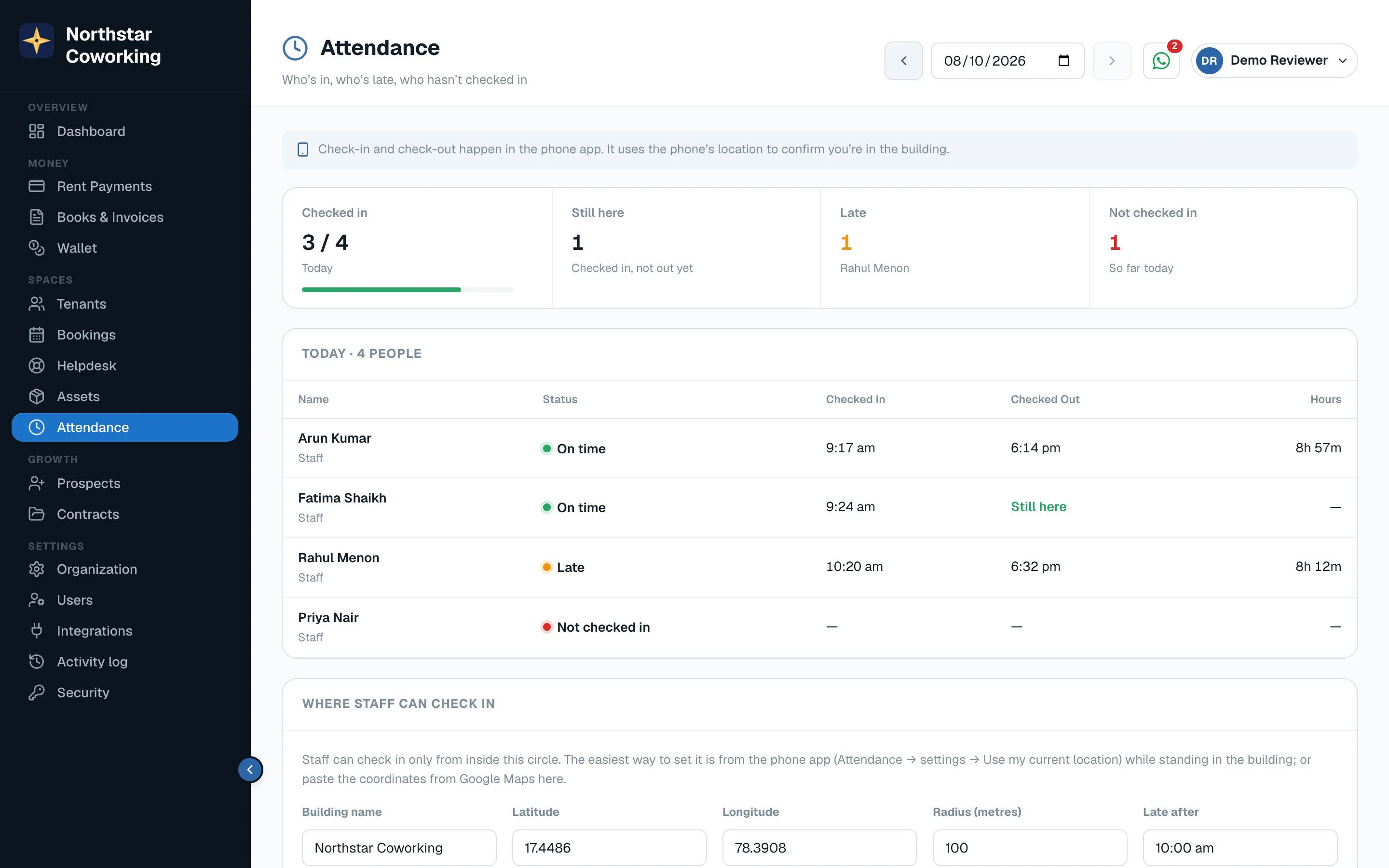
- Click Where staff can check in, enter the building's location (or pick it on the map) and a radius in metres.
- Set Late after, for example 10:15.
- Staff open the app on their phone and tap Check in; it works only inside the radius. They tap Check out when leaving.
- The month view shows days present, late arrivals and hours, per person.
Attendance is for your team, not tenants.
Related guides
Still stuck? WhatsApp us or write to info@coworkingos.in. Tell us the tenant or screen and we'll sort it with you.