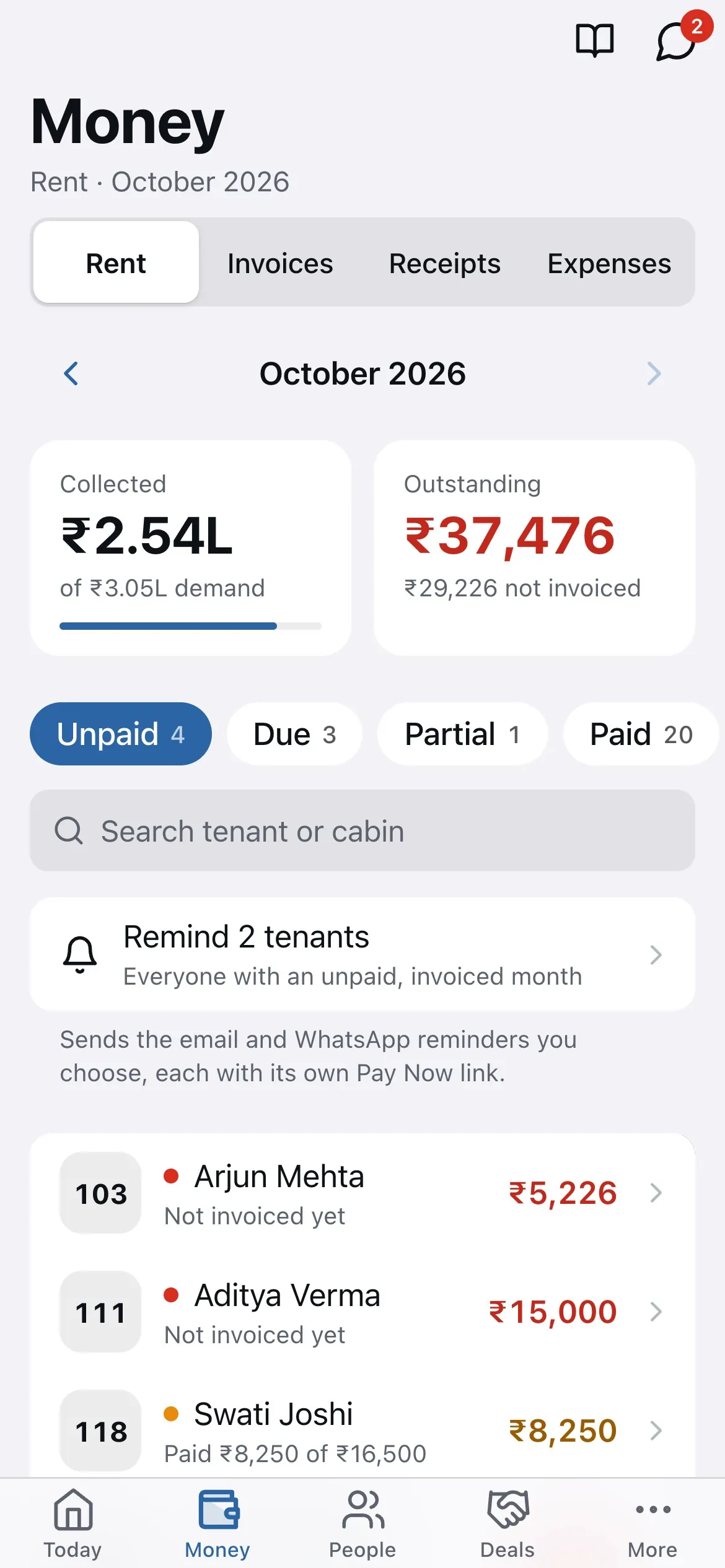
Open Rent Payments and the Overdue tab. Tenants whose invoice was sent and is past due appear here, with a Remind button each and Send reminders for all of them at once.
- Click Send reminders at the top, or Remind on one tenant.
- Choose WhatsApp, email or both. The reminder carries the amount due and the Pay Now link.
- Send. Each tenant's row shows when they were last reminded, so you don't nudge twice in a day.
Tip: reminders are polite by design and come from your own number. Most spaces send one on the 3rd and one on the 7th.
Related guides
Still stuck? WhatsApp us or write to info@coworkingos.in. Tell us the tenant or screen and we'll sort it with you.