Open Assets.
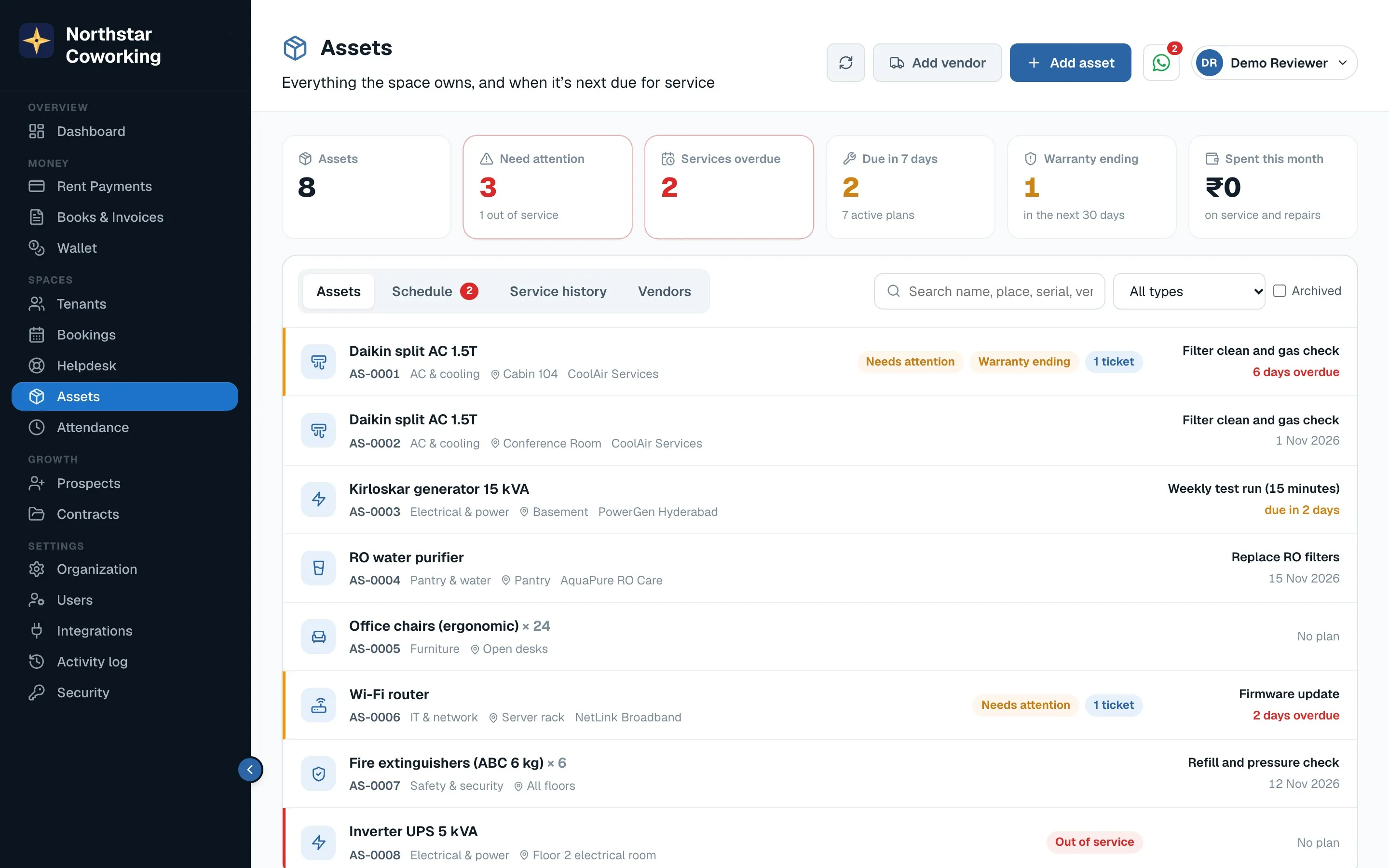
- Add each asset with its location, purchase date, warranty end and how often it needs service.
- Add your vendors (the AC company, the electrician) with their phone numbers.
- When a service is done, open the asset and Mark done with what was done and the cost. The cost lands in Expenses by itself.
- The Dashboard warns you about services overdue and warranties ending in the next 30 days.
Link a helpdesk ticket to an asset (for example 'AC not cooling' to 'AC, Cabin 104') and the ticket history shows on the asset.
Related guides
Still stuck? WhatsApp us or write to info@coworkingos.in. Tell us the tenant or screen and we'll sort it with you.