Open Settings → Security.
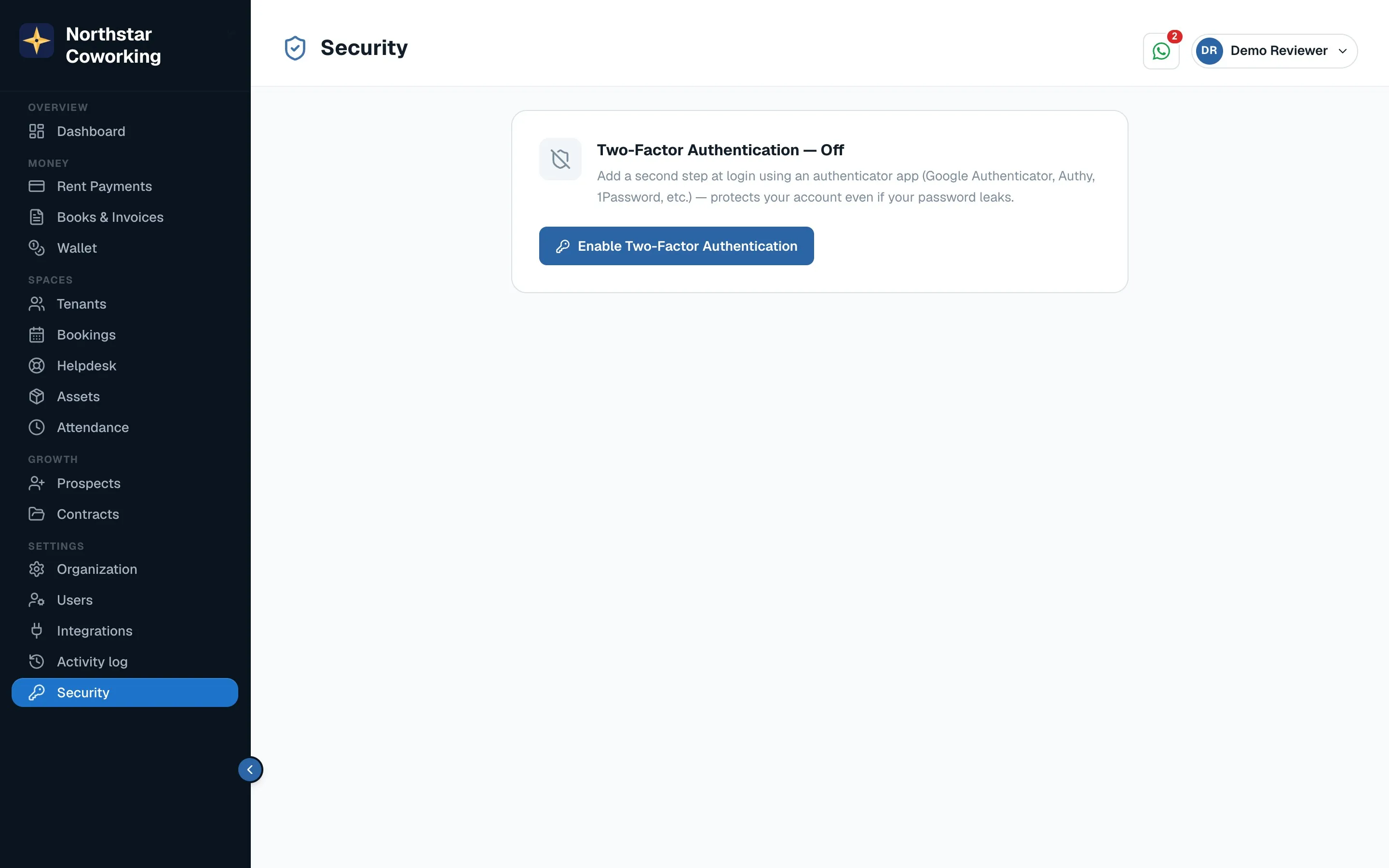
- Click Turn on two-factor authentication.
- Scan the code with Google Authenticator or any authenticator app, enter the 6-digit code shown, and save the backup codes somewhere safe.
- From now on, sign-in asks for the app's code after your password.
- Sign out of all devices if a phone is lost or you used a shared computer.
- The Activity log (Settings) shows who did what and when: payments recorded, rent changed, tenants added.
Ask every Super Admin to turn 2FA on; it is the single best protection for your tenants' data.
Related guides
Still stuck? WhatsApp us or write to info@coworkingos.in. Tell us the tenant or screen and we'll sort it with you.