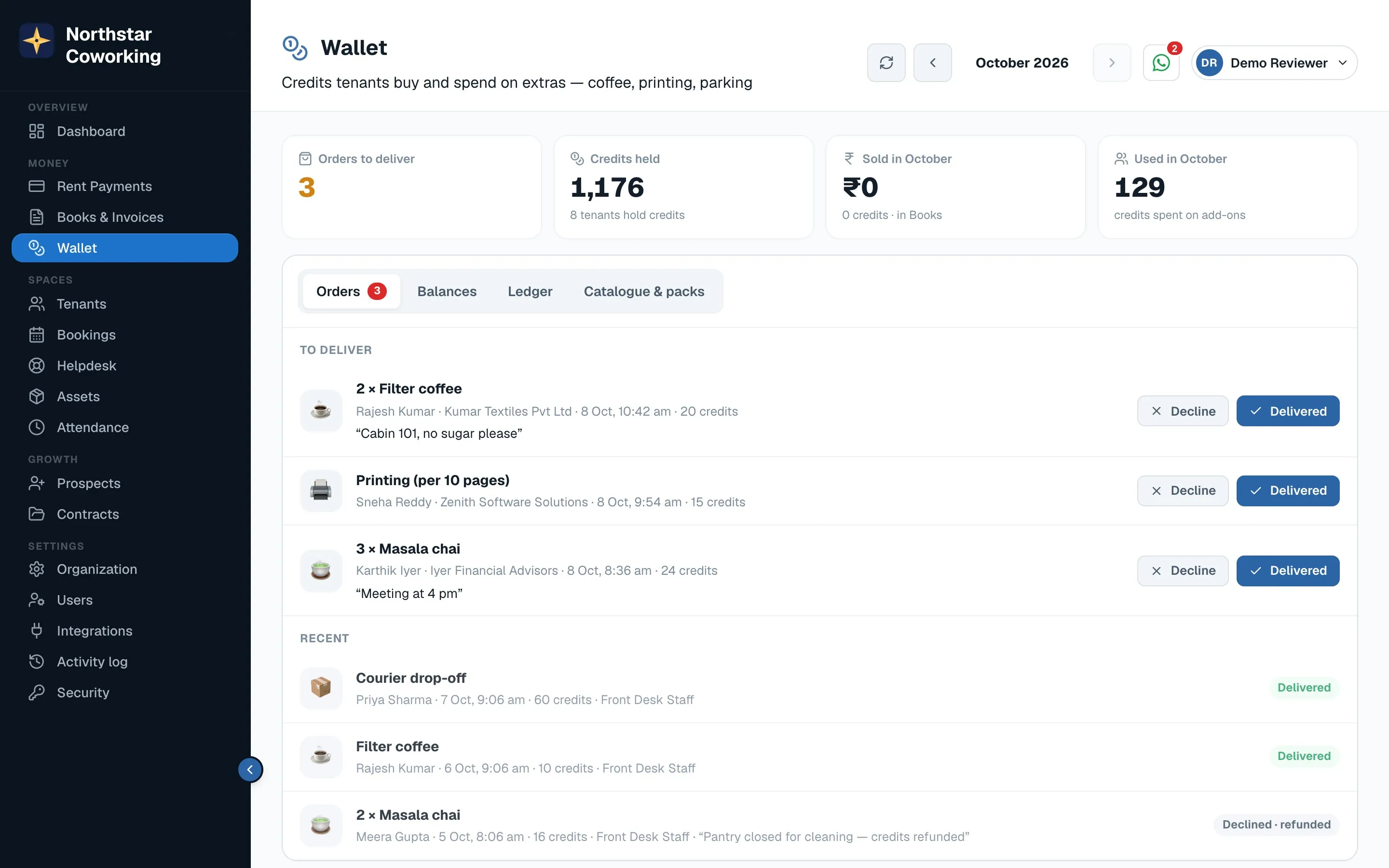
Open Wallet.
Set up once
- Open Catalogue & packs. Add each extra with its price in credits: filter coffee, printing per 10 pages, parking, a guest pass.
- Add credit packs tenants can buy, for example 100 credits for ₹100.
- Optionally give monthly credits to every tenant on a plan; they arrive on the 1st.
Every day
- A tenant orders from the portal. The order appears under To deliver with their cabin and note.
- Deliver it and click Delivered. Credits are deducted.
- Can't do it? Click Decline & refund; the credits go straight back.
Staff can add or take off credits by hand (up to a limit) from a tenant's balance, for a goodwill top-up or a correction.
Related guides
Still stuck? WhatsApp us or write to info@coworkingos.in. Tell us the tenant or screen and we'll sort it with you.