Open Coworking OS on your phone (Home Screen app or browser). On the Today tab, Inbox has a switch: Mail · WhatsApp · Requests.
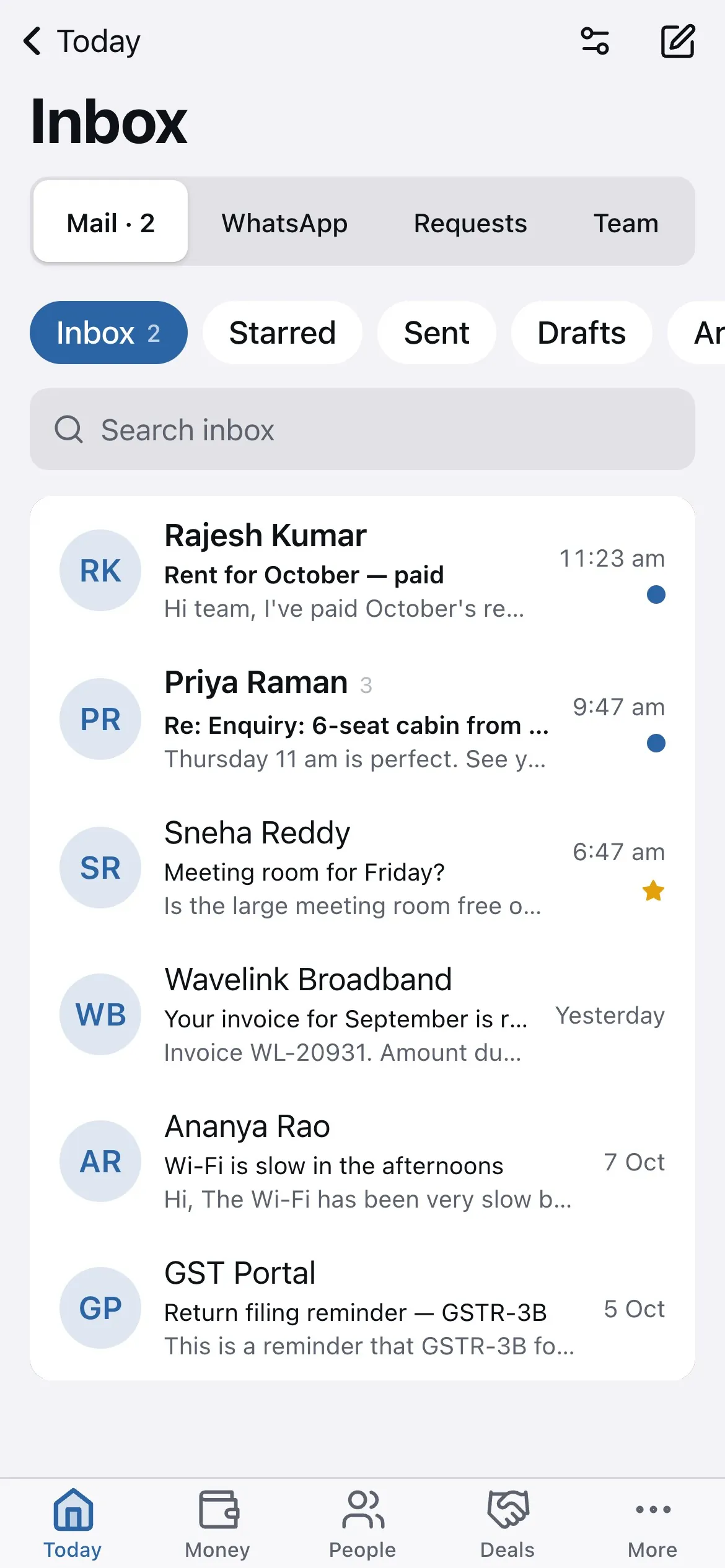
- Tap Mail. The list shows the same conversations as on the computer.
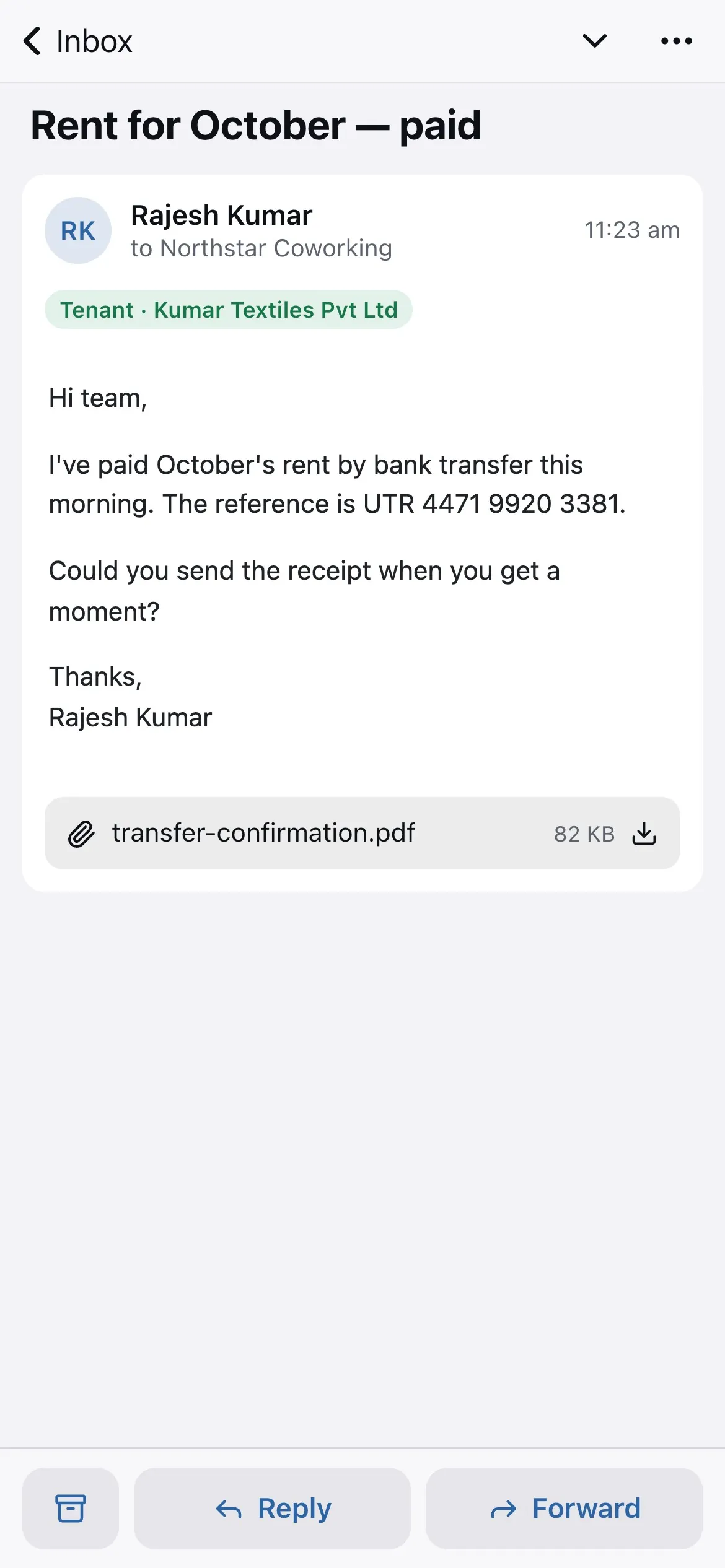
- Tap an email to read it full screen; Reply and Forward are at the bottom.
- Swipe a row to archive or delete. The counts update as you go.
Push notifications for new mail, and Mail inside the Android and iPhone store apps, are arriving shortly. Until then the phone browser gives you everything.
Related guides
Still stuck? WhatsApp us or write to info@coworkingos.in. Tell us the tenant or screen and we'll sort it with you.