Open Mail and click ⋯ More → Mail settings. The panel shows which mailbox you're setting up; switch it at the top if you have several.
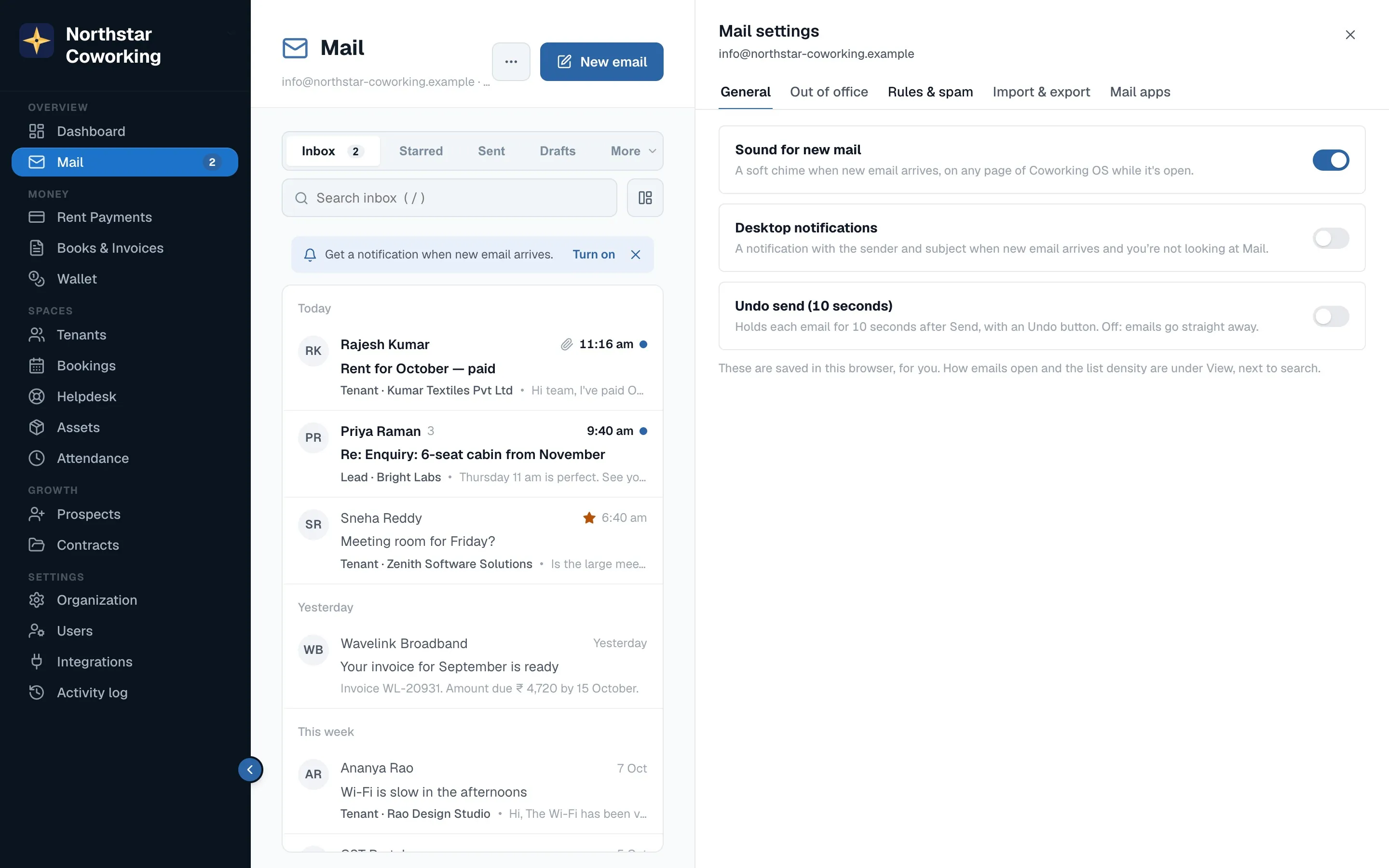
- General: sound for new mail, desktop notifications, Undo send (5–30 seconds), how the reading pane and list look, and your signature for this address.
- Out of office: an automatic reply between two dates, with the text you want.
- Rules & spam: rules that sort incoming mail for you (for example 'from Razorpay → folder Payments'), and the senders you always allow or always block.
- Import & export: bring old mail in and take a copy out (below).
- Mail apps: Outlook, Apple Mail and phone mail apps, arriving shortly.
Moving in from Zoho, Gmail or another provider
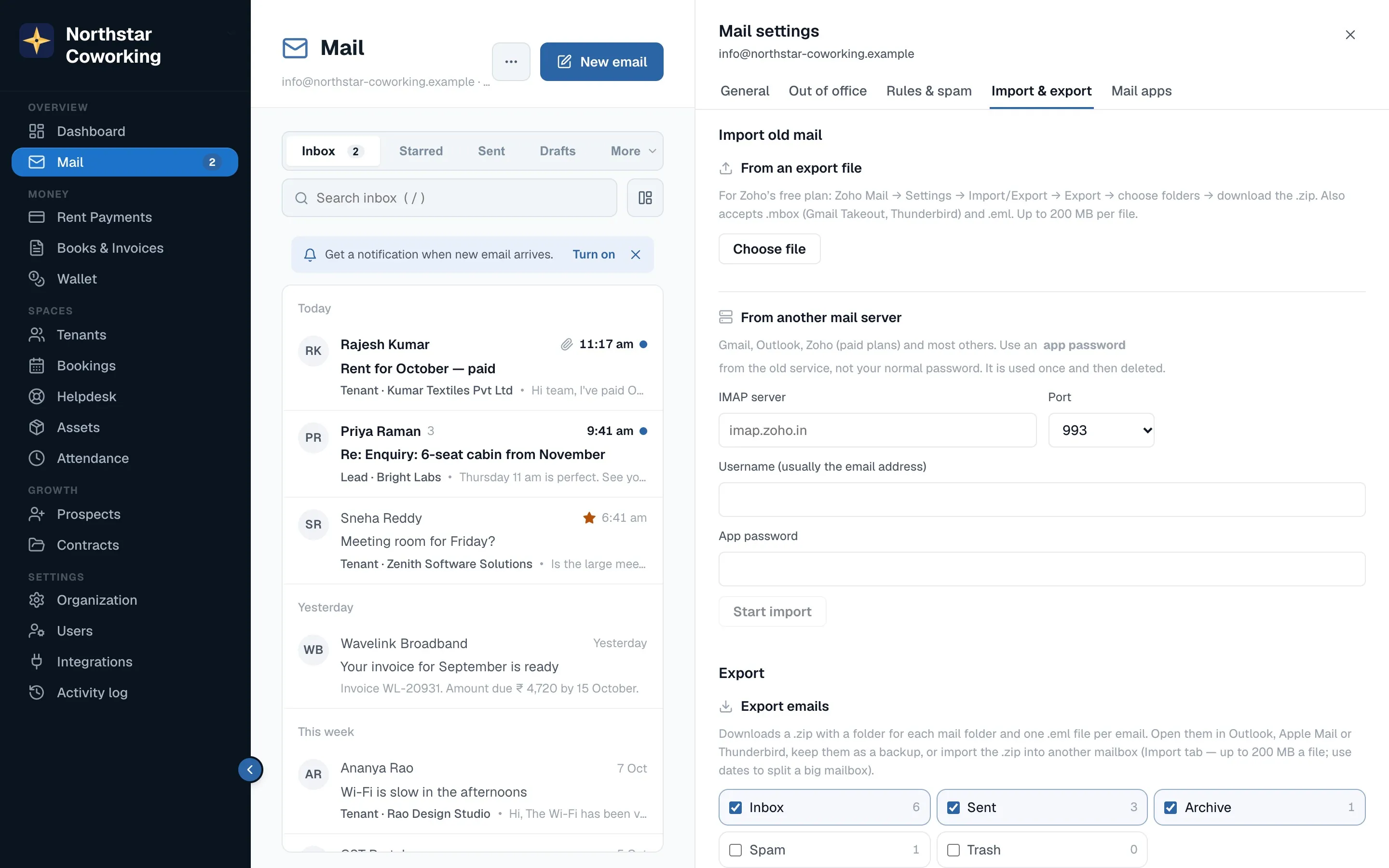
- Open Import & export.
- From an export file: upload the .zip or .mbox your old provider gave you (Zoho's free plan exports this way). Folders, read state and dates are kept.
- From another mail server: enter the old server, your address and an app password; mail is copied folder by folder, and you can keep working while it runs. The history shows each import.
- Export: choose folders and dates and download a .zip of everything, any time. Your mail is yours.
Your old email keeps working until the office switches the domain over (see Adding your domain). Nothing is lost in between.
Related guides
Still stuck? WhatsApp us or write to info@coworkingos.in. Tell us the tenant or screen and we'll sort it with you.