Click Mail in the left menu. It opens on the Inbox of the mailbox you used last; the unread count shows on the menu item and in the browser tab.
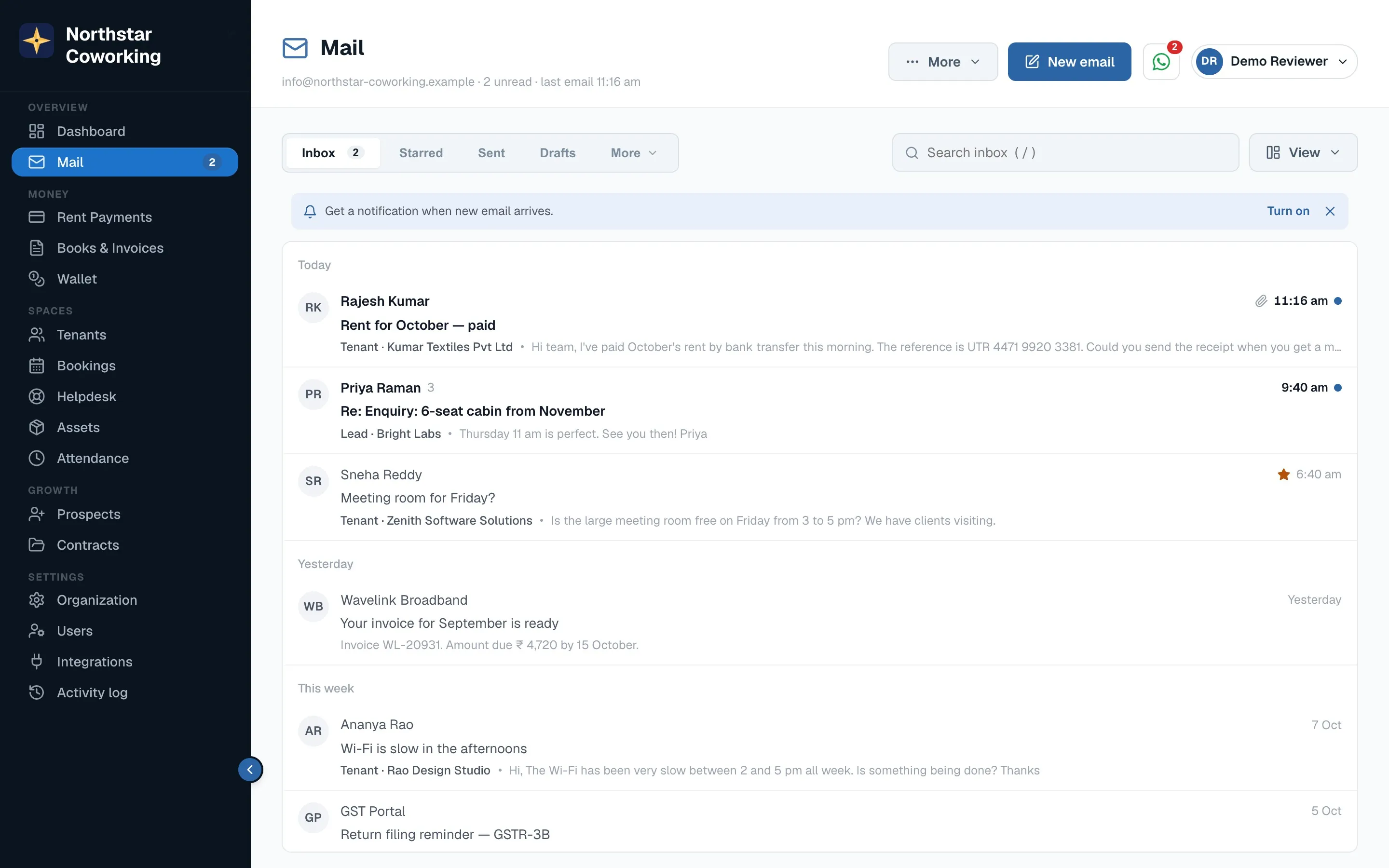
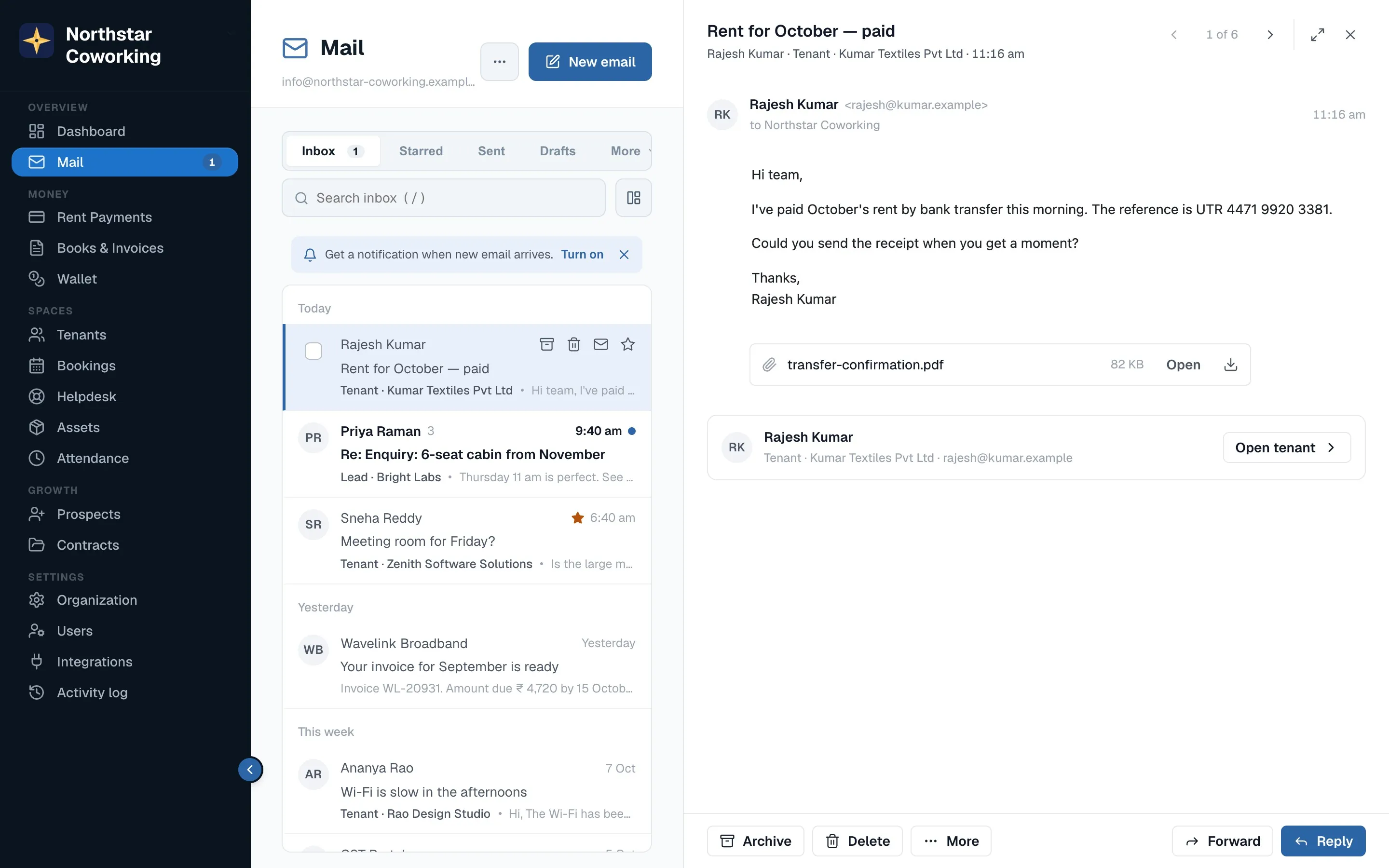
- Click a row (or press Enter on it). The email opens in a side panel on the right; the list narrows to sender, subject and time.
- Use ‹ › in the panel header, or j / k, to go to the next or previous email without closing. The counter shows '2 of 24'.
- Expand (or f) opens the email full width for a long one; the same button brings the list back.
- Close with ✕ or Esc. The row keeps a light highlight for a moment so you see where you were.
Good to know
- An email is marked read after it has been open for a second, so flicking through with j/k doesn't mark everything read.
- Archive (e), Delete (#), Star (s) and Spam each show a toast with Undo for a few seconds. After archiving, the next email opens.
- The tenant or lead chip opens their record on top of Mail. An unknown sender gets Add as lead.
- Pictures and PDFs open in a preview without downloading; ⤓ downloads. Files that can harm a computer are blocked.
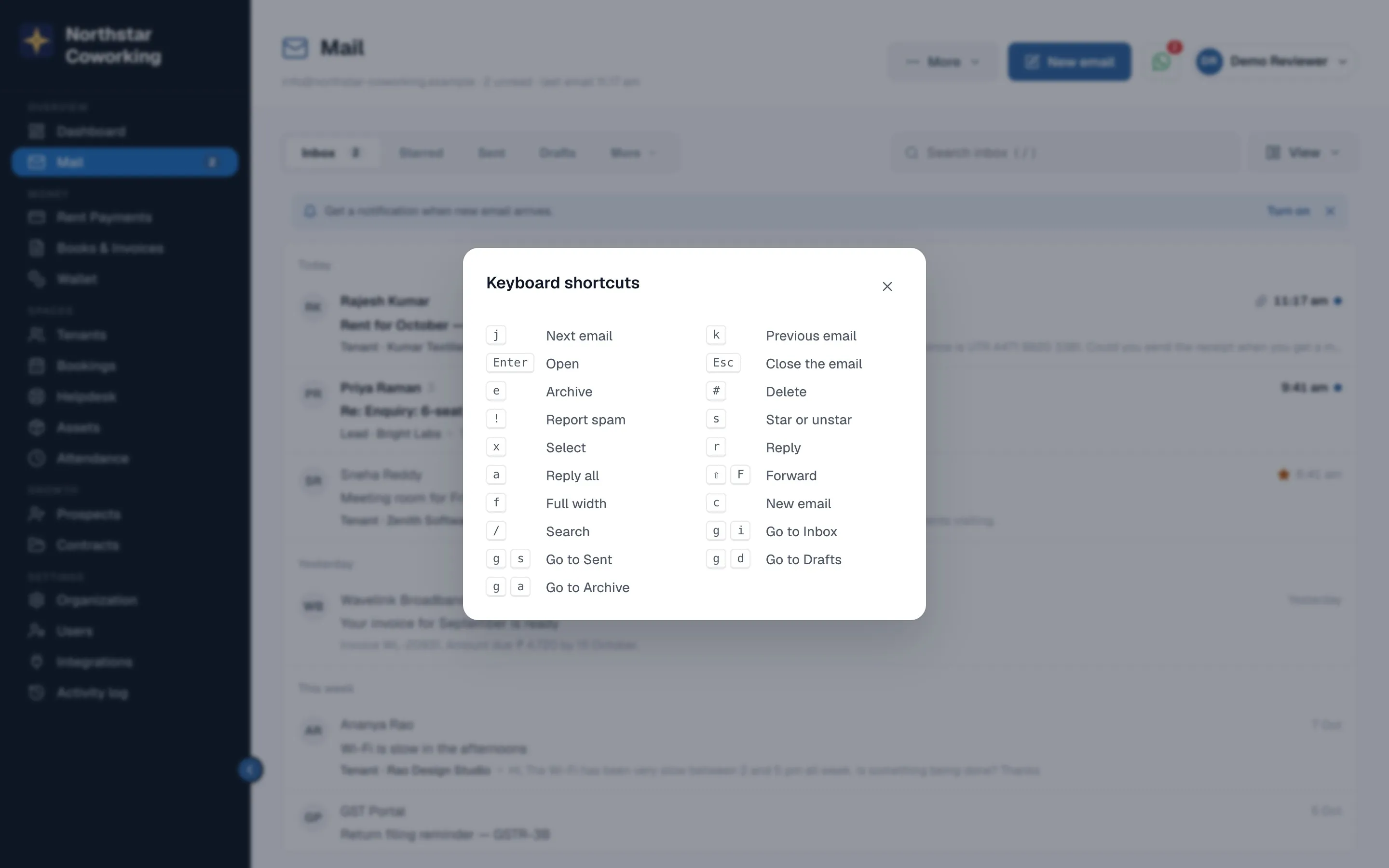
- ⋯ More → Keyboard shortcuts (or ?) lists every shortcut.
Related guides
Writing, replying and forwarding →Search, folders, mailboxes and bulk actions →Your Mail settings: signature, out of office, rules, import →
Still stuck? WhatsApp us or write to info@coworkingos.in. Tell us the tenant or screen and we'll sort it with you.