Tick Answer questions from my FAQ first under Answer bot in Organization → Website kit, and write question-and-answer pairs.
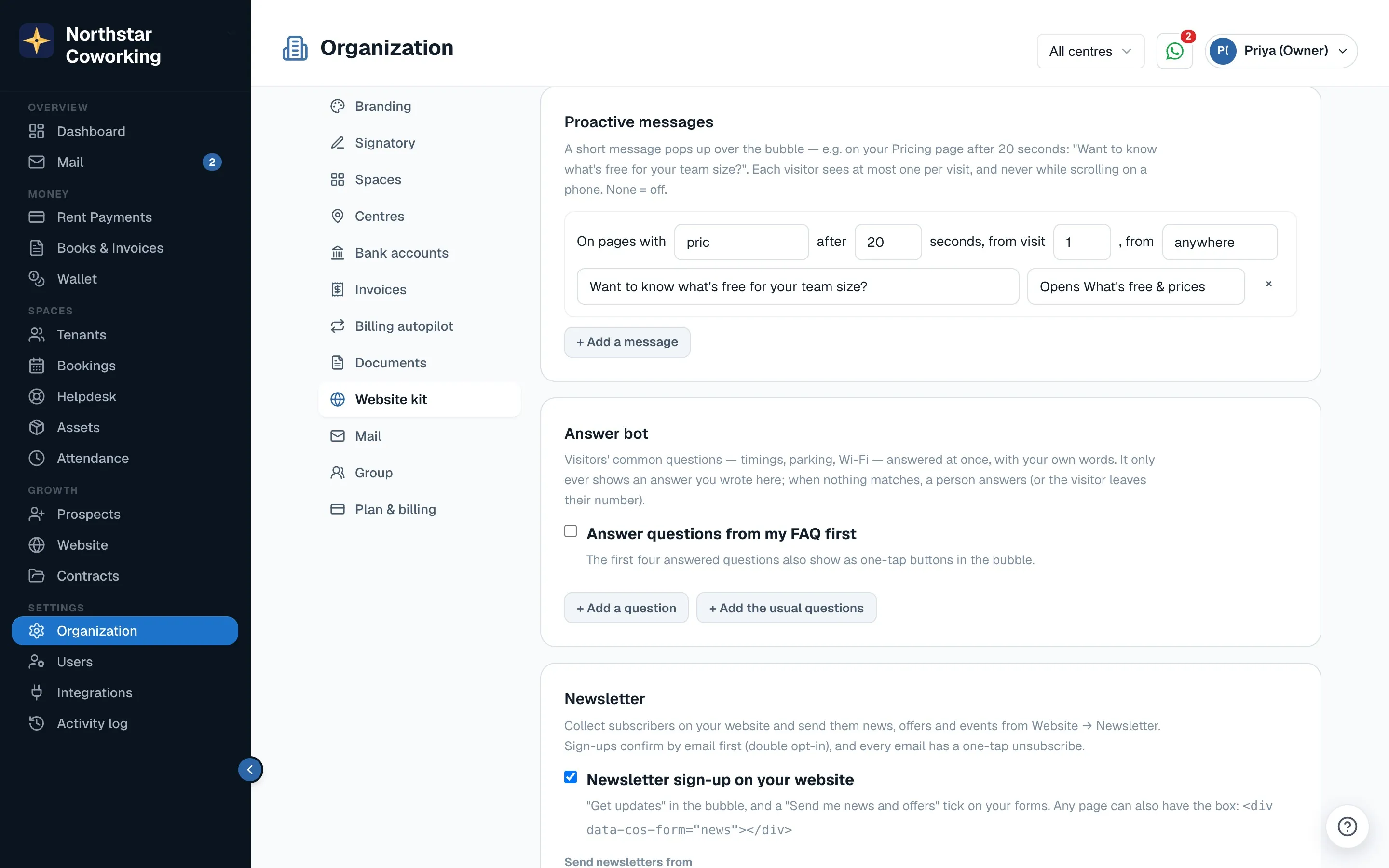
- Click + Add the usual questions for a ready set (timings, parking, Wi-Fi, power backup, meeting rooms, GST invoice, lock-in, deposit) and fill in your answers, or + Add a question for your own.
- For each, write the question, its answer, and optionally 'other words people use' for it.
- Click Save changes. The first four answered questions also appear as one-tap buttons in the bubble.
How it behaves
- It never makes things up. It only shows answers you wrote.
- After an answer the visitor is asked 'Did this answer it? Yes / Talk to a person'.
- No match, or 'Talk to a person': the chat goes to your team, or to the away form outside hours.
- Asked on your website, not answered (last 30 days) lists the top 10 questions it couldn't answer, each with Add to FAQ. Check it once a week.
It isn't an AI that writes its own replies, and it answers in English for now.
Related guides
Still stuck? WhatsApp us or write to info@coworkingos.in. Tell us the tenant or screen and we'll sort it with you.