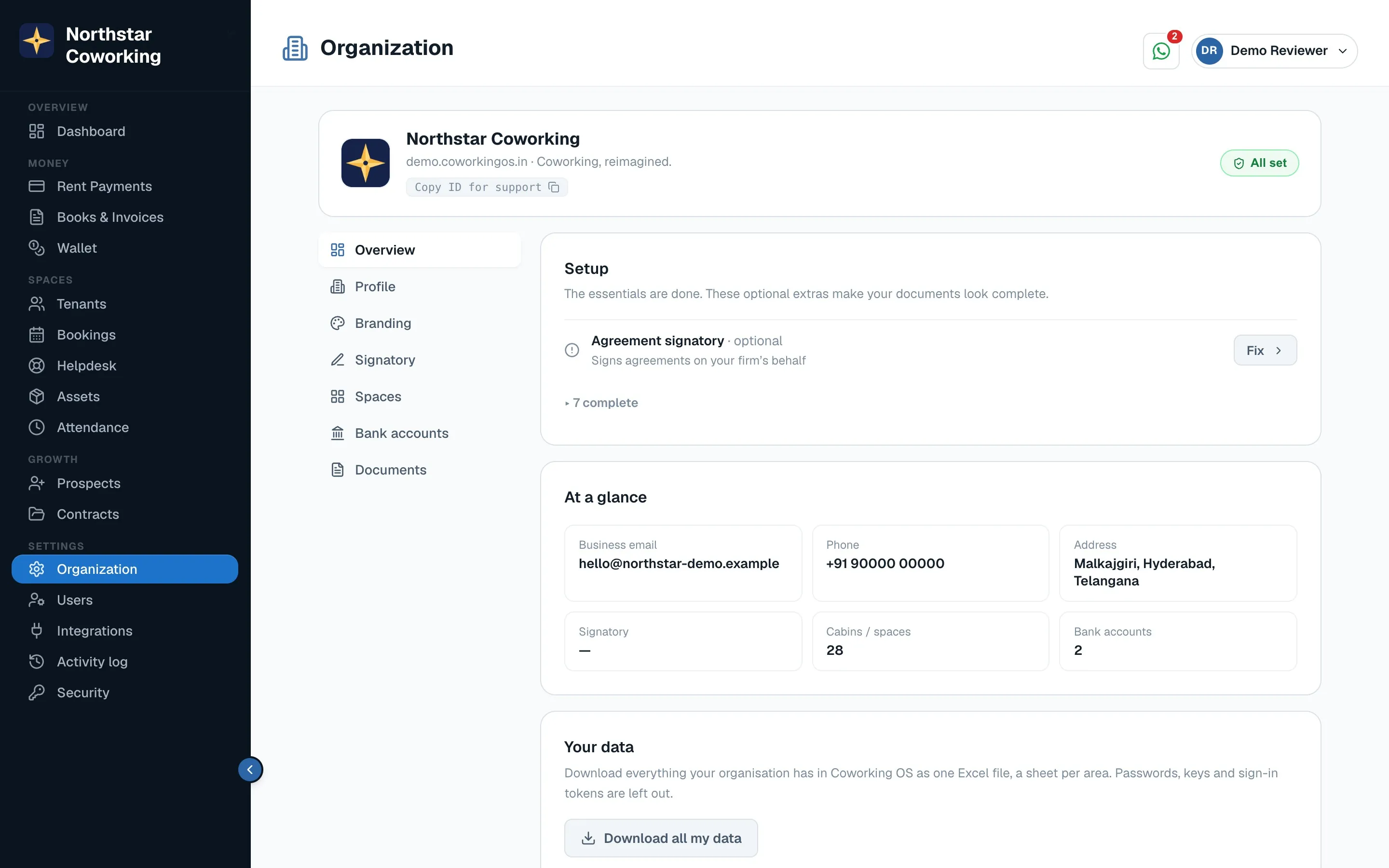
Open Organization → Bank accounts (Super Admins only) and click Edit on an account, or Add for a new one.
UPI
- Enter the UPI ID, for example yourspace@hdfcbank. The format is checked when you save.
- Enter the Name on UPI, as the payer's UPI app will show it.
- Save. Invoices paid into this account now show a Pay by UPI QR with the exact amount due and the invoice number.
On invoices and receipts
If one space bills from more than one legal entity (for example a firm and an HUF), fill in the block On invoices and receipts for that account: legal name, PAN, GST status and GSTIN, and the signatory with designation.
- An invoice prints the details of the account it asks to be paid into; a receipt prints the account the money went into.
- Leave a field empty to use your space's own value from Organization → Invoices.
- Each account row shows a line like Invoices from this account show: Northstar Reserve (HUF) · PAN … so you can check before sending.
The address is per centre, not per bank account.
Related guides
Set up your cabins, desks and bank account →UPI QR, “I’ve paid” and Payments to confirm →Your invoice and receipt details →
Still stuck? WhatsApp us or write to info@coworkingos.in. Tell us the member or screen and we'll sort it with you.