Open Organization → Import from Excel on a computer (Super Admins only).
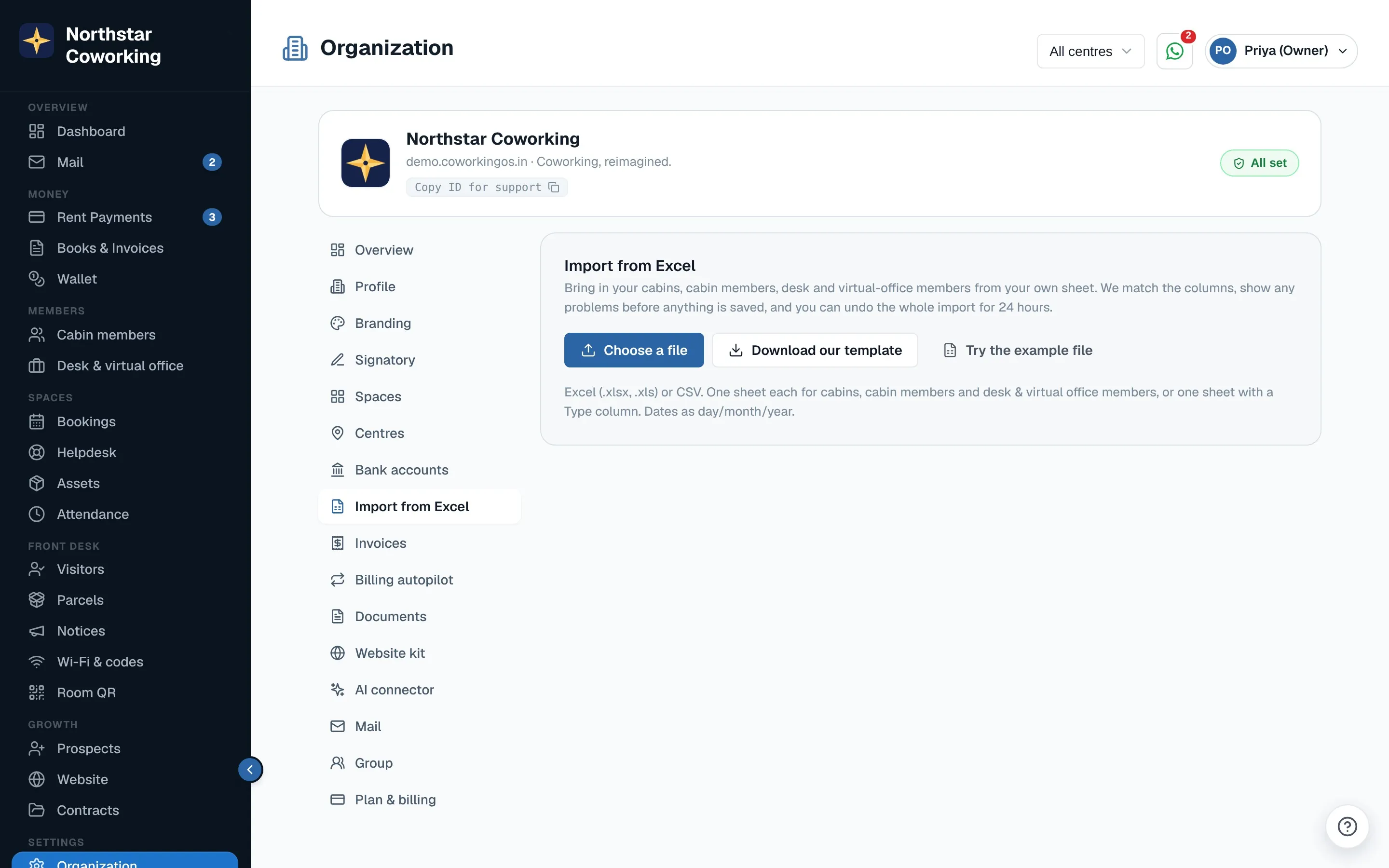
- Upload your .xlsx, .xls or .csv file, or click Download our template and fill that in. Try the example file shows how it works.
- Match the columns. The app guesses them from your headings (Name, Mobile, Cabin, Rent, Deposit, Type…); change any guess from the drop-down.
- Check the rows. Problems show in red, for example a wrong phone number or the same phone twice. Fix them in place, Add cabin for a cabin that doesn't exist yet, or Leave out a row.
- Click Import. Rows go in 100 at a time with a progress bar; keep the page open.
Undo for 24 hours
For 24 hours after an import, Undo removes the whole batch. Anything you have changed since, or that has payments or invoices pointing at it, is kept, and the app says which and why.
Old dues: billing starts this month. If a row has dues, last month is recorded with exactly that amount owed, and the real start date is kept in the member's history.
Related guides
Still stuck? WhatsApp us or write to info@coworkingos.in. Tell us the member or screen and we'll sort it with you.