Owners open the app when something is wrong. Once a month you should also hear how the month went when nothing is. On the 1st of each month from 09:00 in your space's time zone, every active Super Admin with an email address gets one short email about the month just ended. It is real numbers only; nothing is ever sent with sample figures.
What is in it
The subject line is the summary: Your October at Spellbound: ₹4.2L collected, 92% occupied. Inside, each section is a few lines, and a section with nothing in it is left out.
- Money: rent and member fees collected, against the month before as a percentage up or down; what was unpaid at month end and how many members owe, including how many of those carry earlier months.
- Rooms: cabins let out of the total, and desk and virtual-office members, each against the previous month.
- Members: who moved in, gave notice and moved out, and up to 5 people leaving next month, with their cabin.
- Bookings: the count, room hours, desk-days and booking money received, when there were any.
- Helpdesk: requests opened, resolved, and the average rating members gave.
- Surveys and events, when you use them: the NPS of the round that closed that month, events held and people who went.
- Worth a look: up to three plain sentences worked out from the numbers, such as dues building up, a cabin empty for two months or more, or several people leaving next month.
- A button, Open your dashboard, to your space.
The figures follow the same rules as the Dashboard: collections are the month's rent payments less TDS, not waived and not taken from deposits, plus member payments. Totals only, with no per-centre breakdown. The email comes from Coworking OS at notify@coworkingos.in, so add that address to your contacts if your mail app is strict.
In the app
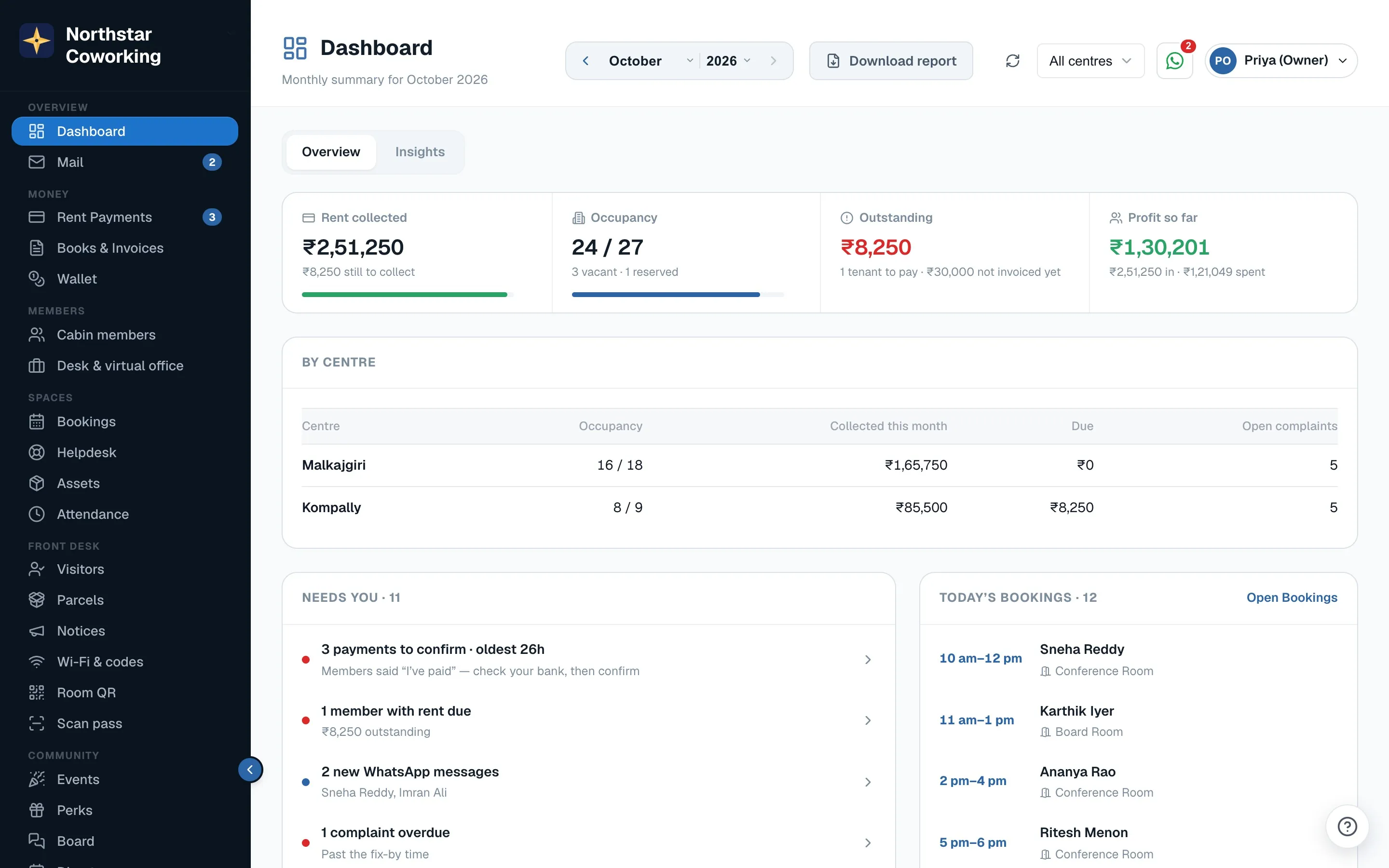
Open Dashboard › Insights on the desktop (Insights on the phone). The Monthly report card shows the same sections for any month you pick; it opens on last month. Super Admins and Admin viewers can read it here. Email me this report sends the month you are looking at to your own address only, up to 3 times an hour, which is handy when you want to forward one to your partner or accountant.
Switch it on or off
Each person has their own Monthly report email switch, on by default, in More › Notifications and at the top of the report card. Turning it off stops your copy only; your co-owners keep theirs.
When it is not sent
- To Staff or Admin viewers. The email goes to Super Admins; an Admin viewer can read it in the app.
- For a space created less than 20 days before the month ended, or for a month where every number is zero.
- For a space whose access is read-only or cancelled, or for the demo space.
- Twice. The report for a month is claimed before it is sent, so it cannot go out again if the server is busy.
Related guides
Still stuck? WhatsApp us or write to info@coworkingos.in. Tell us the member or screen and we'll sort it with you.